When enterprises evaluate a professional VR headset, display specifications are often the first thing they look at. Resolution, field of view, refresh rate, tracking capabilities, and PC performance all matter. In professional applications, visual quality can also directly affect task execution and the overall experience.
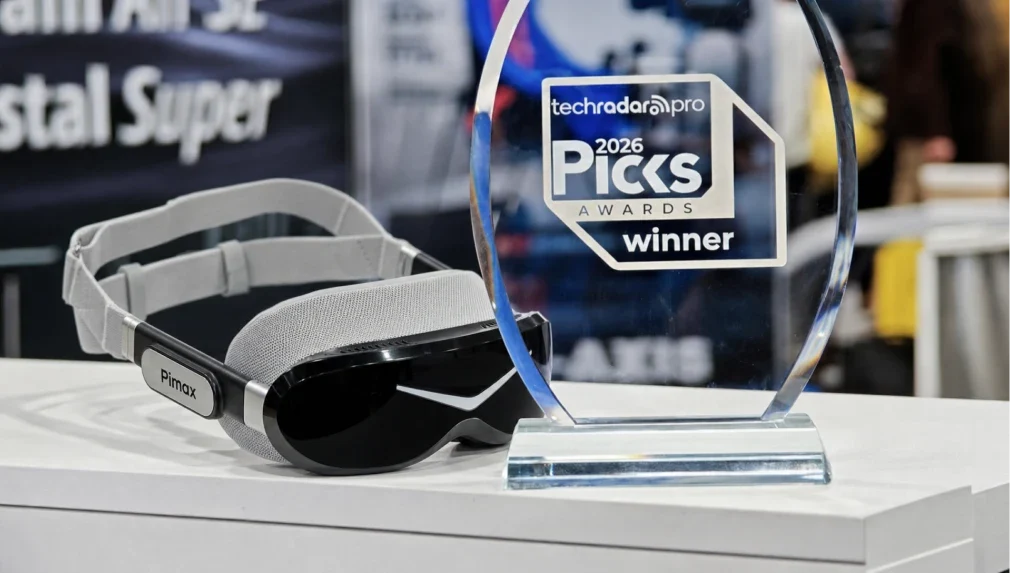
Pimax Dream Air combines a lightweight form factor, Micro-OLED display technology, and high-end PCVR capabilities, providing a new option for professional projects that prioritize visual performance while also considering wearing comfort and deployment flexibility. For enterprises evaluating VR headsets, Dream Air is a strong candidate worth considering.
What Should Enterprises Really Consider When Choosing a VR Headset?
No single specification can determine whether a headset is suitable for professional applications.
The right device depends on the type of application, content format, deployment environment, users, session duration, and the enterprise’s existing XR workflow.
For teams evaluating enterprise VR headsets, the following factors deserve particular attention.
Visual Quality
In professional XR, visual quality should serve the task itself. Training requires users to clearly identify interfaces, labels, and operational information. Design reviews require accurate observation of 3D assets and spatial details. Customer demonstrations require stable and convincing immersive visuals.
When evaluating a headset, resolution, optics, contrast, and the actual content should be considered together rather than comparing a single specification in isolation.
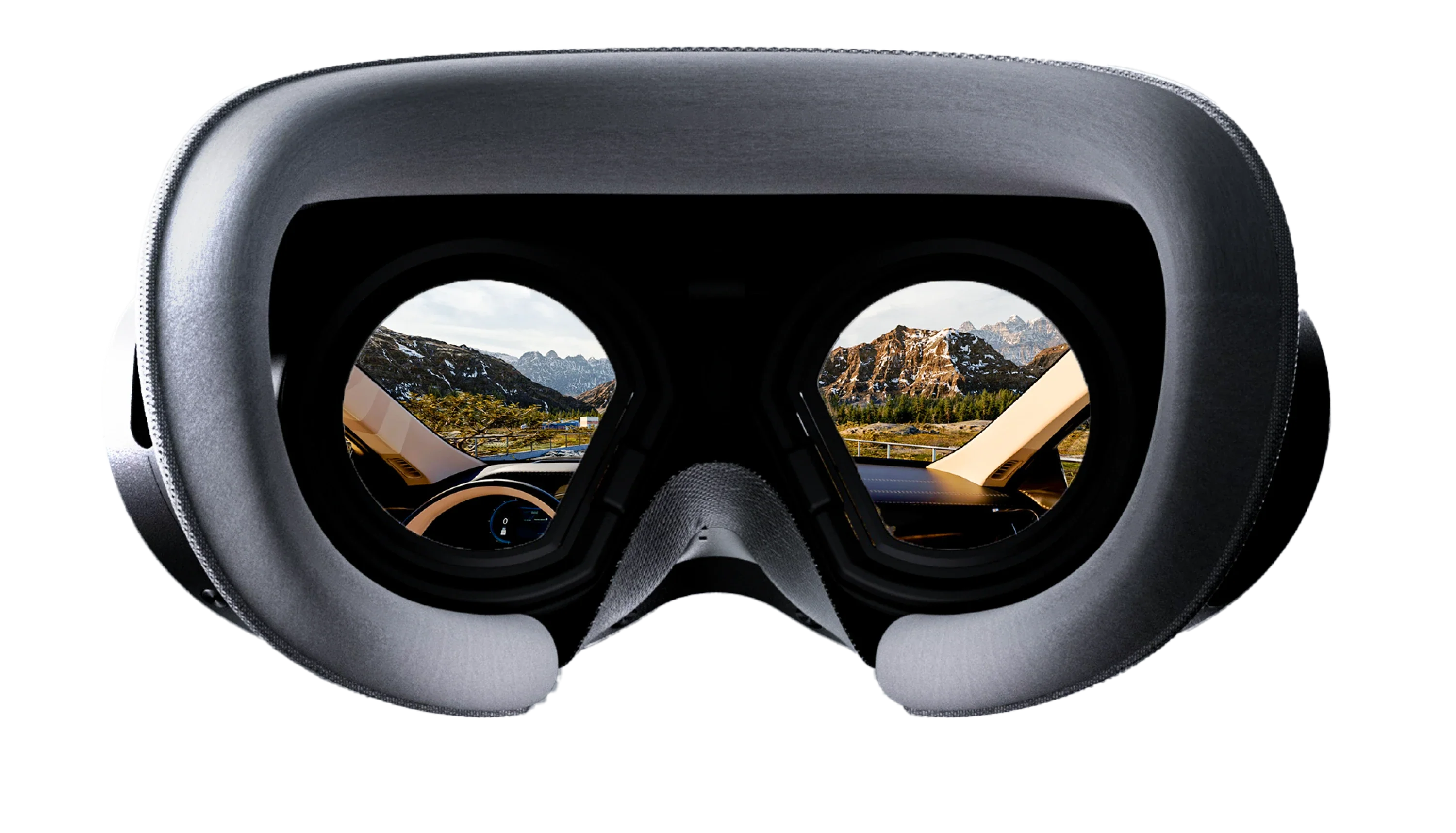
Display Technology
The display experience is determined by a combination of resolution, pixel density, optics, contrast, black levels, and color performance.
Dream Air uses Micro-OLED displays and is well suited to enterprise demonstrations, visualization, training, and experiential projects where image quality is a priority. Actual performance should still be evaluated based on the content and deployment environment.
Comfort and Form Factor
Enterprise projects often involve multiple sessions, user rotation, and frequent putting on and removing of the headset. Wearing comfort, adjustment efficiency, and day-to-day usability can therefore directly affect deployment.
Dream Air’s lightweight form factor is well suited to professional environments that value visual quality, repeated use, and mobility.
PC Performance
Complex simulations, high-quality 3D assets, professional visualization software, and custom XR applications still rely on PC-side computing power.
For teams that already use workstations, professional peripherals, or custom software, the value of PCVR lies in allowing the headset to integrate into the existing hardware and software ecosystem rather than evaluating headset specifications in isolation.
Deployment Flexibility
Enterprise XR is not always used in a dedicated VR facility. Training sites, customer offices, trade shows, partner locations, and temporary demonstration spaces can all become deployment environments.
Portability, storage, PC and peripheral connectivity, and on-site transportation processes should therefore all be considered when selecting a headset.
Software and Workflow Compatibility
Software compatibility is a prerequisite for enterprise headset selection.
Before purchasing, teams should confirm the compatibility of the PC/GPU configuration, runtime environment, and target applications, as well as tracking, controllers, professional peripherals, IT requirements, and the actual deployment environment.
Only when a headset can truly integrate into an existing XR workflow can its hardware capabilities translate into real project value.
The Positioning of Pimax Dream Air in Professional XR
For professional XR deployments, the value of Dream Air does not lie in any single specification. Instead, it combines high-end Micro-OLED visuals, a lightweight and comfortable wearing experience, and flexible PCVR deployment.
It is particularly suitable for projects that demand high visual quality while also needing to accommodate user rotation, mobile demonstrations, or existing PC-based workflows.
High-end Micro-OLED visuals, a lightweight and comfortable wearing experience, and flexible PCVR deployment capabilities.
Rather than pursuing a single performance metric, Dream Air is designed for professional application environments that need to balance visual performance, user experience, and deployment requirements.
What Professional Applications Is Pimax Dream Air Suitable For?
Whether an enterprise VR headset can deliver real value ultimately depends on the specific application and how it is used.
Dream Air combines image quality, wearing comfort, and flexible PCVR deployment, making it particularly suitable for the following professional applications.
Enterprise Training
VR training can be used for guided learning, interactive simulation, and repeatable hands-on practice.
In many training projects, multiple trainees may use the same equipment throughout the day. The headset needs to be repeatedly put on, removed, adjusted, and prepared for the next session.
Ease of use is therefore also an important part of the training workflow.
A lightweight form factor is better suited to this kind of high-frequency user rotation, while PCVR can leverage external computing power to run visually richer training environments and applications.
For training providers and enterprise teams, Dream Air is suitable for VR training projects that place equal importance on immersive visual quality, wearing comfort, and repeated use.
For enterprise training scenarios, see the Education & Training Solution .
For projects involving medical device demonstrations, operational practice, or standardized training, see the Healthcare & Life Sciences Solution .
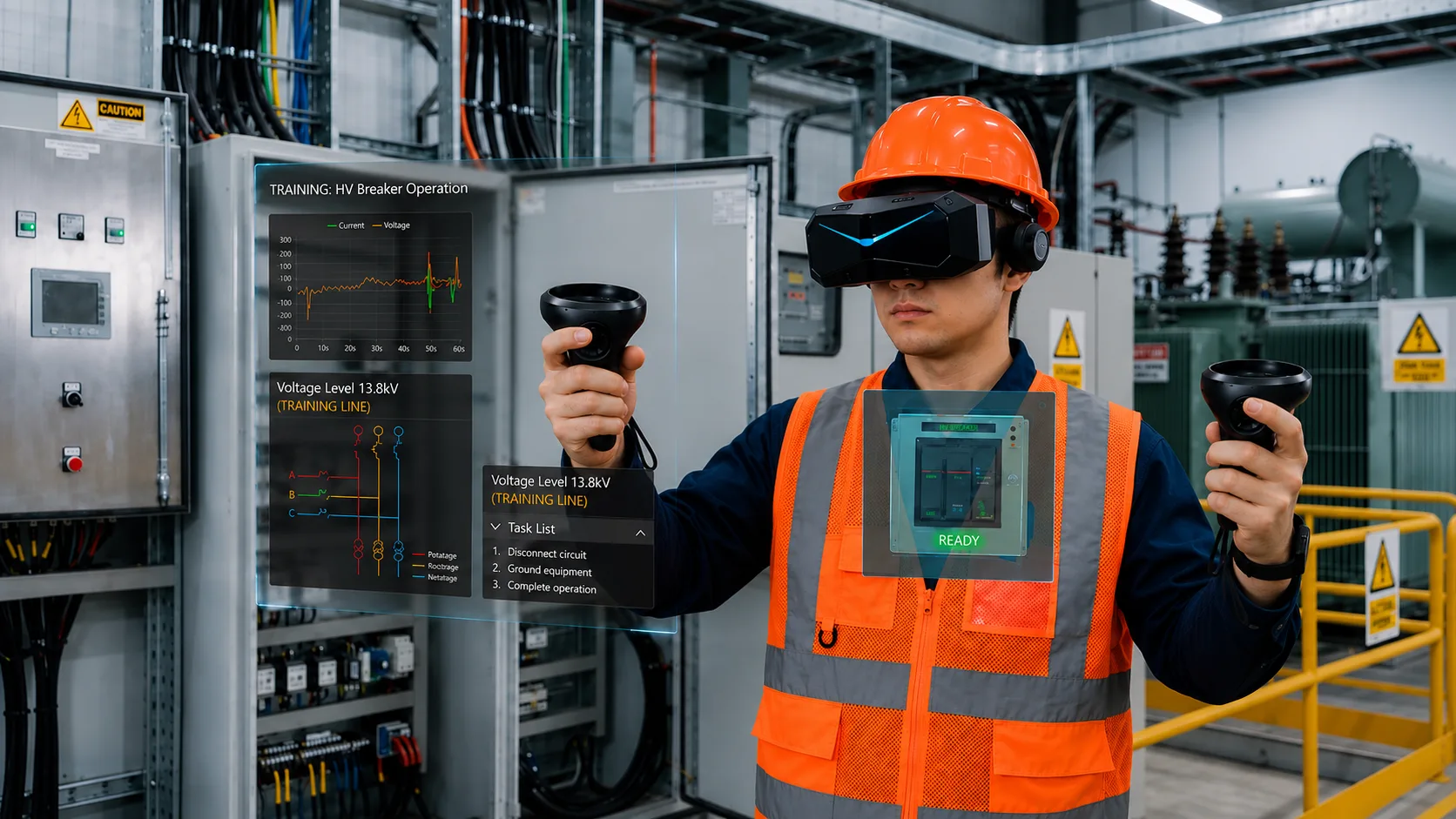
Power Grid VR Safety Training System
A VR safety training system supporting standardized electrical work practice and long-term safety education.
Read case study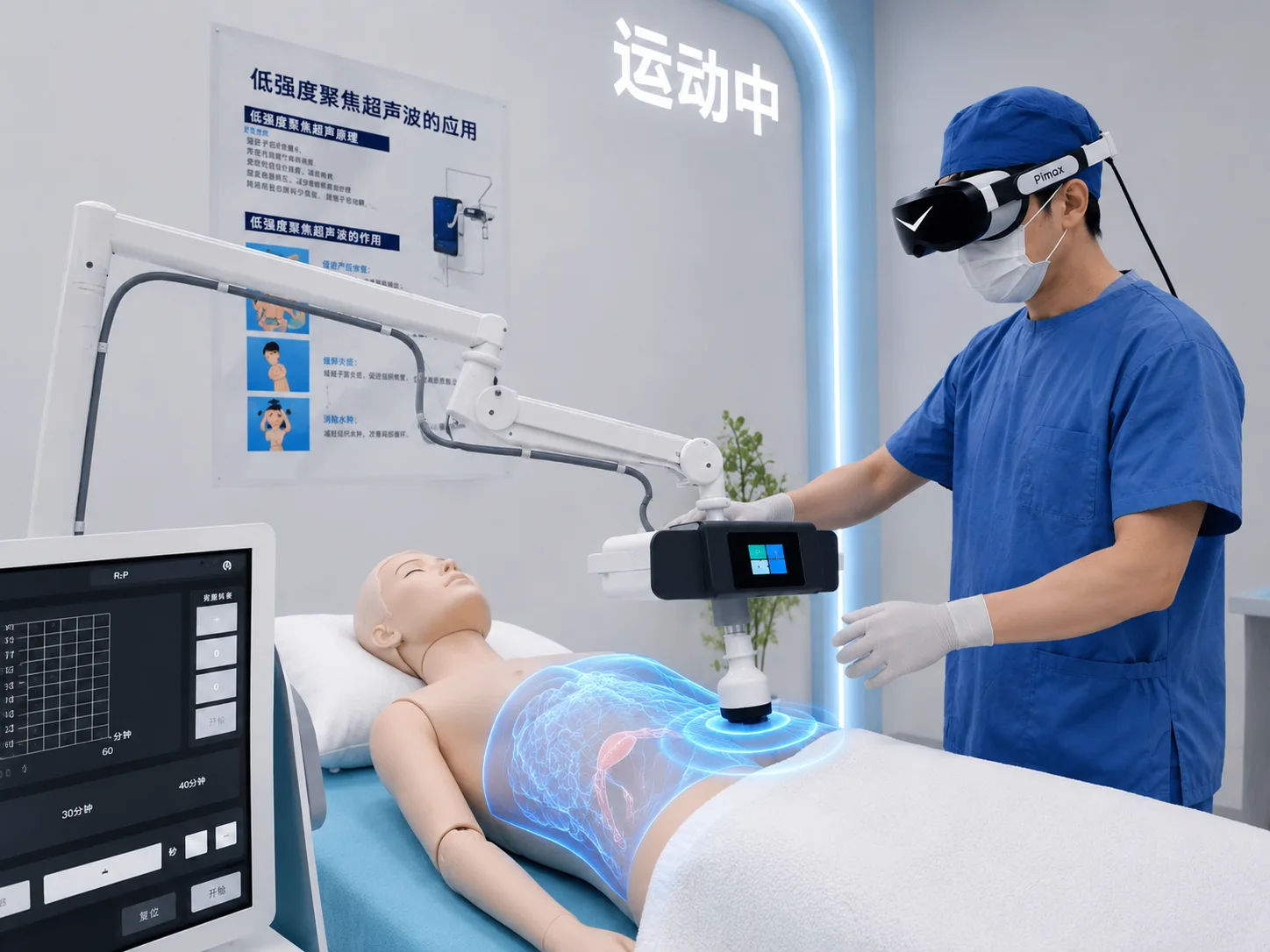
Medical Device VR Demo & Training
A medical device VR demo and training project combining product presentation, operation practice, and standardized workflows.
Read case studyMobile Demonstrations and Customer Presentations
Enterprise XR is not limited to fixed VR facilities.
Technology companies, solution providers, development teams, sales teams, and system integrators may need to demonstrate immersive applications at different locations, including:
- Customer offices
- Industry trade shows
- Roadshows
- Partner sites
- Temporary demonstration spaces
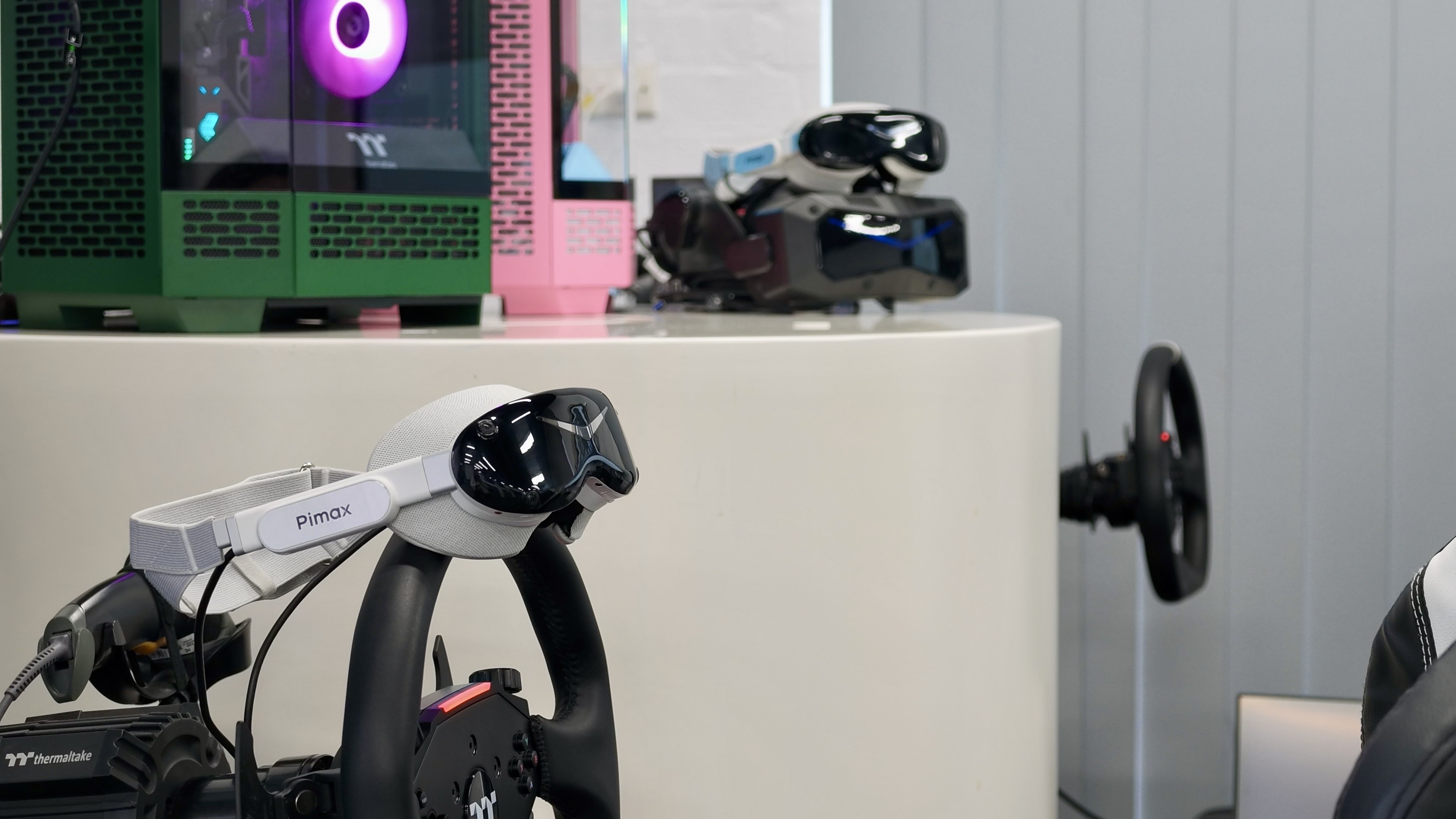
In these scenarios, teams often need to transport the headset, PC, accessories, professional peripherals, and other demonstration equipment together.
Dream Air’s ultra-lightweight form factor supports more flexible mobile deployment. Pimax PCVR headsets use a plug-and-play connection approach and can connect directly to compatible PCs and existing VR environments without requiring an additional complex standalone computing platform.
For enterprises that frequently change deployment locations, this approach can reduce on-site installation and setup work. Once the equipment arrives, teams can quickly connect the system and put it into use.
High-End Immersive Experiences
Enterprise showrooms, brand experience spaces, entertainment venues, exhibitions, and customer experience centers typically require both strong visual presentation and a comfortable wearing experience.
For users experiencing VR for the first time, the headset itself is part of the overall experience.
Dream Air combines Micro-OLED displays, high-quality PC-powered visuals, and an ultra-lightweight form factor, making it suitable for enterprises looking to provide customers, visitors, or partners with high-quality immersive experiences.
Applications can include interactive product experiences, immersive storytelling, visualization, entertainment content, and premium demonstrations.
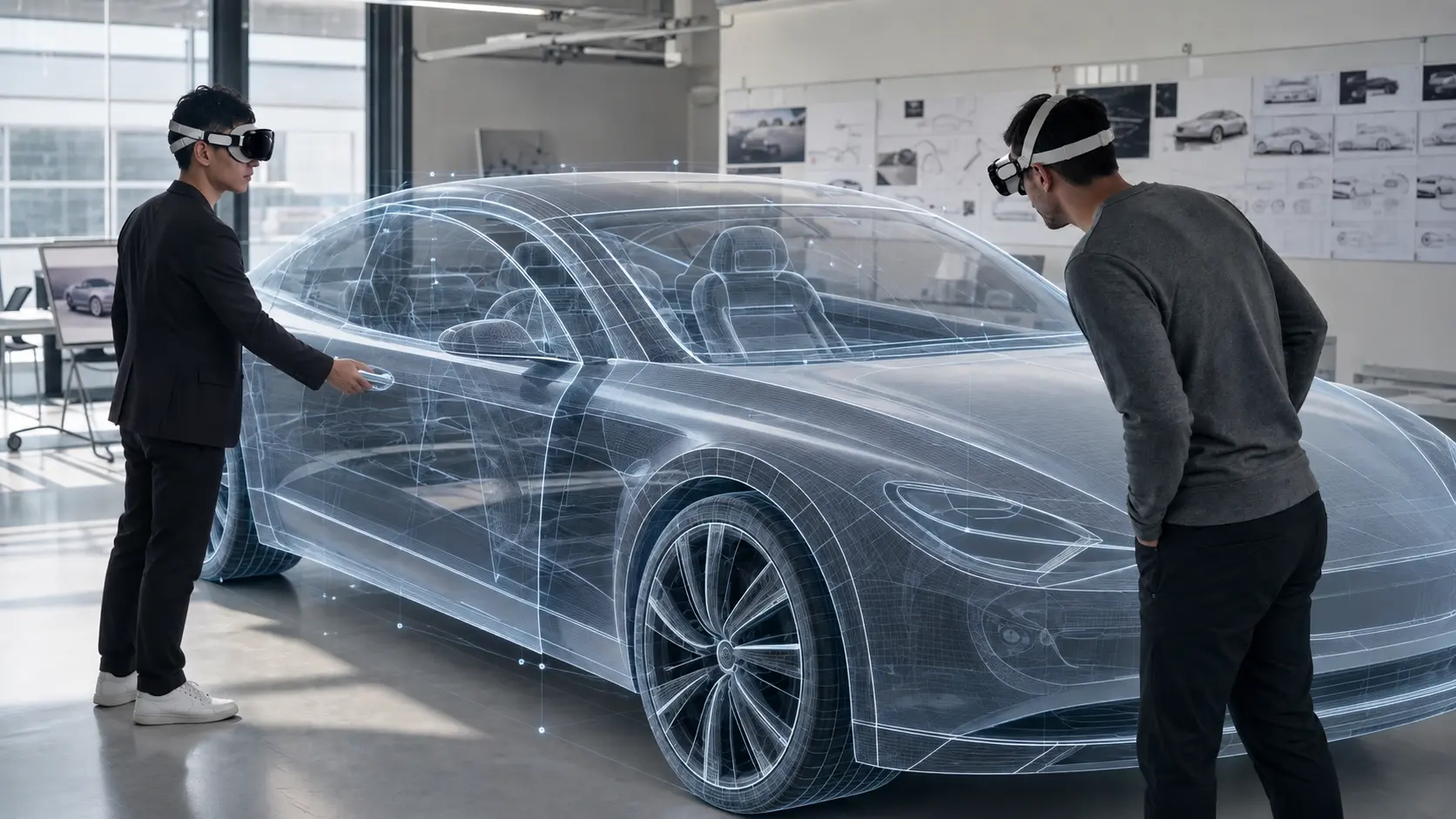
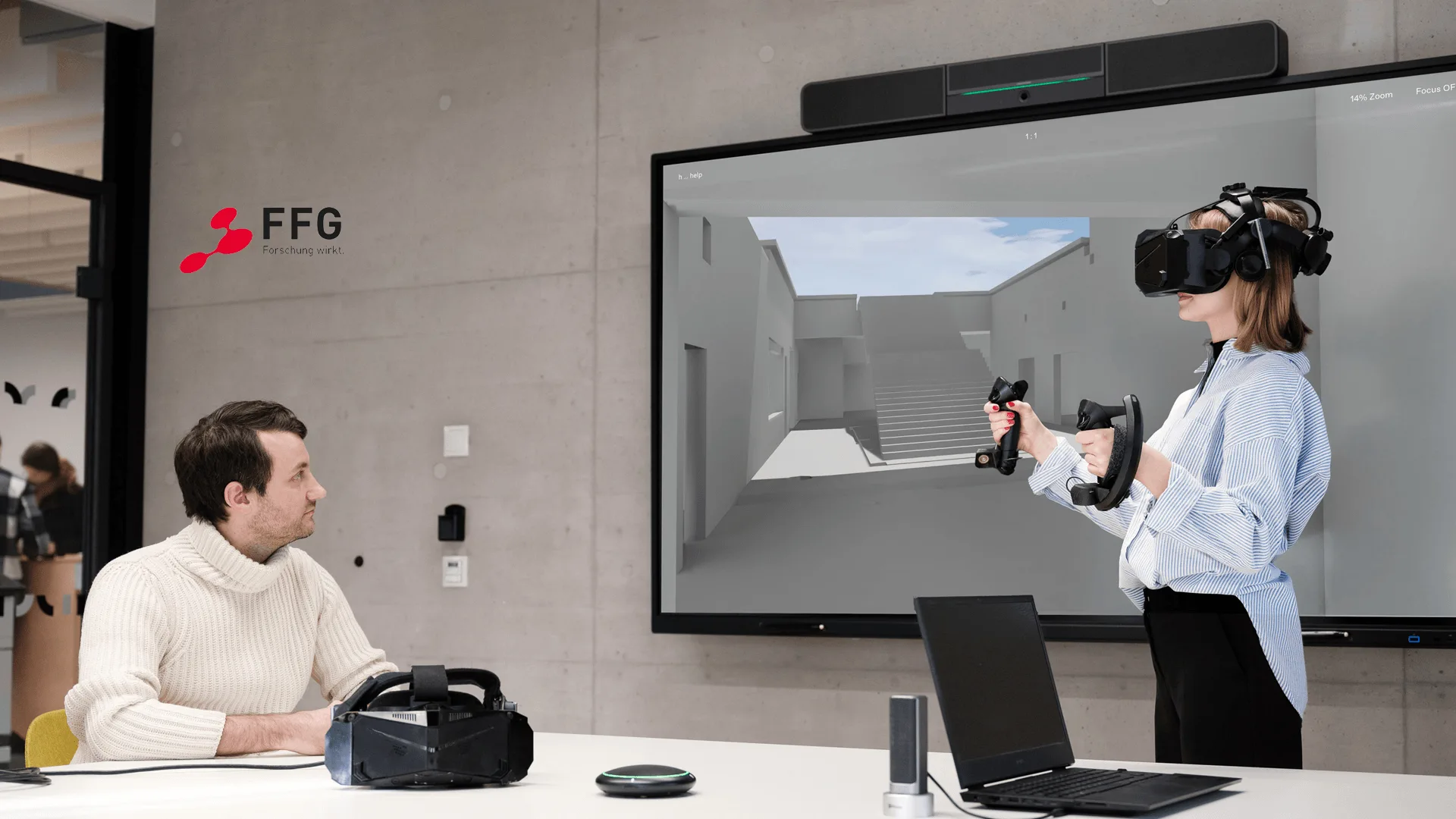
Design, Visualization, and Professional Review
Professional VR workflows often require teams to switch repeatedly between traditional displays and immersive visualization.
A design team may first inspect a 3D environment in VR, return to desktop tools to make adjustments, discuss the changes with colleagues, and then return to the immersive environment for confirmation.
Visualization teams can also use VR to present complex spatial concepts more intuitively to customers or project stakeholders who may not be familiar with professional 3D software.
In these applications, Dream Air’s high-quality immersive visuals and flexible form factor provide a new hardware option for professional workflows that require frequent use of VR.
For engineering design review, CAD visualization, and XR training scenarios, see the related case study below.
The specific headset should still be selected based on the project’s actual requirements for visual detail, field of view, software environment, and deployment method.
High-End Entertainment and Immersive Media
Immersive applications are not limited to industrial use cases.
Location-based entertainment, premium content presentation, immersive media, and experiential projects also require PCVR hardware capable of reliably presenting high-quality content.
Dream Air combines Micro-OLED visuals, wearing comfort, and PCVR capabilities, making it suitable for immersive entertainment projects with high requirements for both content presentation and user experience.
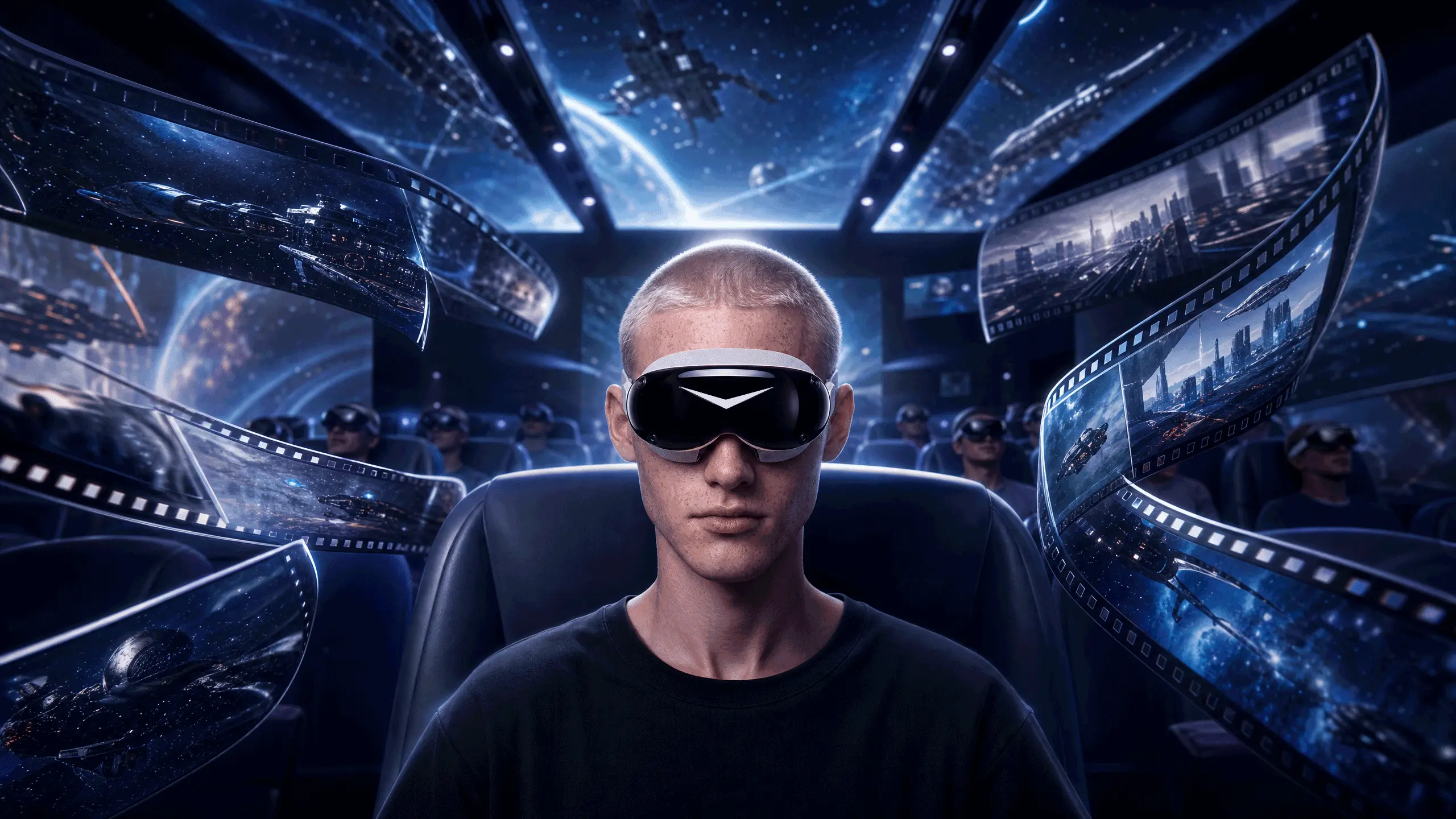
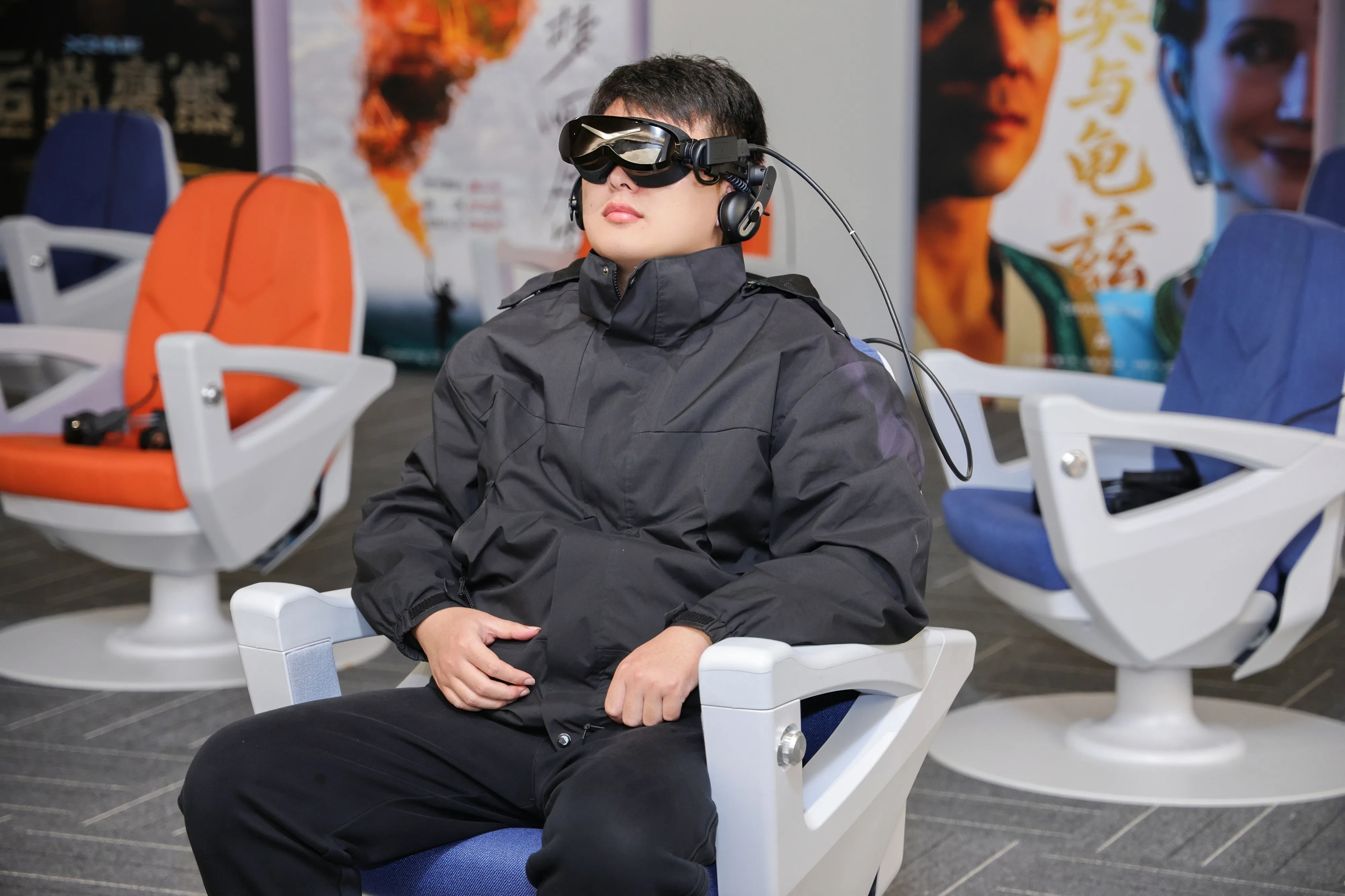
The XiYing Ultimate XR Cinema project is one example. Immersive cinemas and location-based experience projects need to balance visual performance, wearing comfort, and on-site operational workflows.
The XiYing Ultimate XR Cinema solution brings together Pimax Dream Air, PC-connected 360° rotating seats, and multi-device management to support cinematic visual quality, audience comfort, flexible deployment, and efficient venue operations.
Choosing Pimax PCVR for Different Professional Requirements
Different enterprise XR projects have significantly different requirements.
Simulation centers, mobile demonstration teams, engineering departments, training providers, and premium experience centers may all use PCVR, but their core hardware requirements are different.
Pimax therefore offers multiple PCVR products for different professional needs.
The goal is not to find one “best headset” for every professional application, but to match the hardware characteristics to the actual requirements of the project.
For example, mobile demonstration teams may care more about portability and flexible use. Simulation projects may focus on visual clarity, immersion, peripheral compatibility, and simulation environment requirements. Engineering visualization teams may place greater emphasis on fine-detail presentation and overall image quality.
Defining these priorities before purchasing hardware helps enterprises build XR systems around actual workflows rather than making decisions based on a single specification.
| Core Requirement | Pimax Product | Positioning |
|---|---|---|
| Lightweight, comfortable, high-quality visuals, flexible deployment | Pimax Dream Air | Lightweight high-end PCVR with Micro-OLED displays |
| High resolution, deployment flexibility, and value | Pimax Crystal Light | High-resolution PCVR balancing visual quality, immersion, and deployment cost |
| Ultimate visual performance, ultra-high resolution, and detail | Pimax Crystal Super | Flagship PCVR for professional applications requiring maximum visual detail |
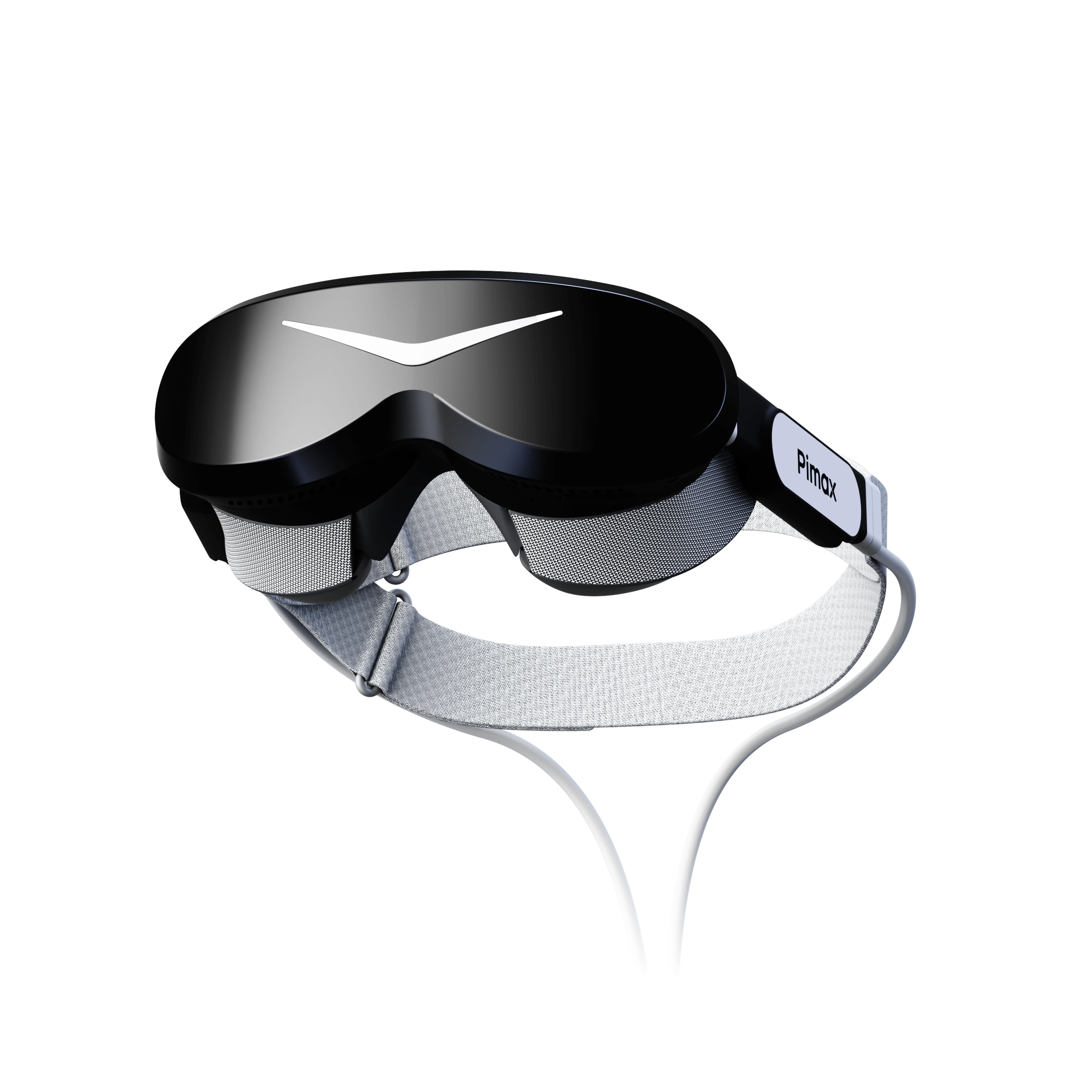
Pimax Dream Air
Lightweight high-end PCVR with Micro-OLED displays for flexible professional deployment.
Learn More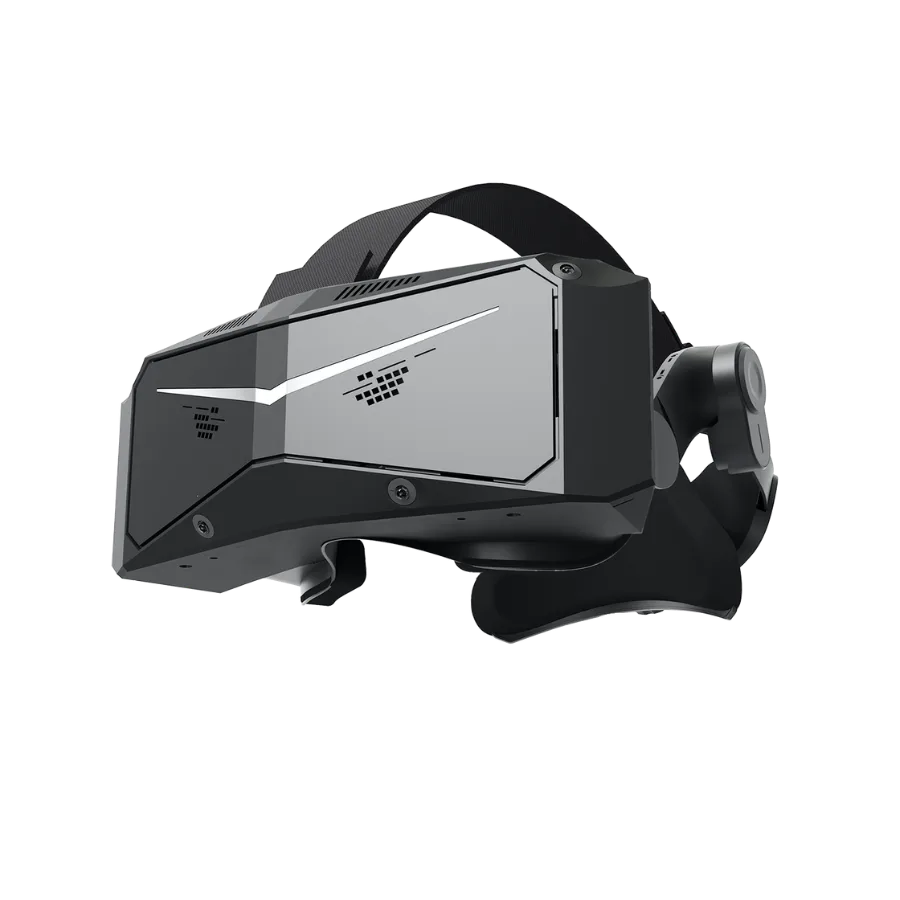
Pimax Crystal Light
High-resolution PCVR balancing visual quality, immersion, and deployment cost.
Learn More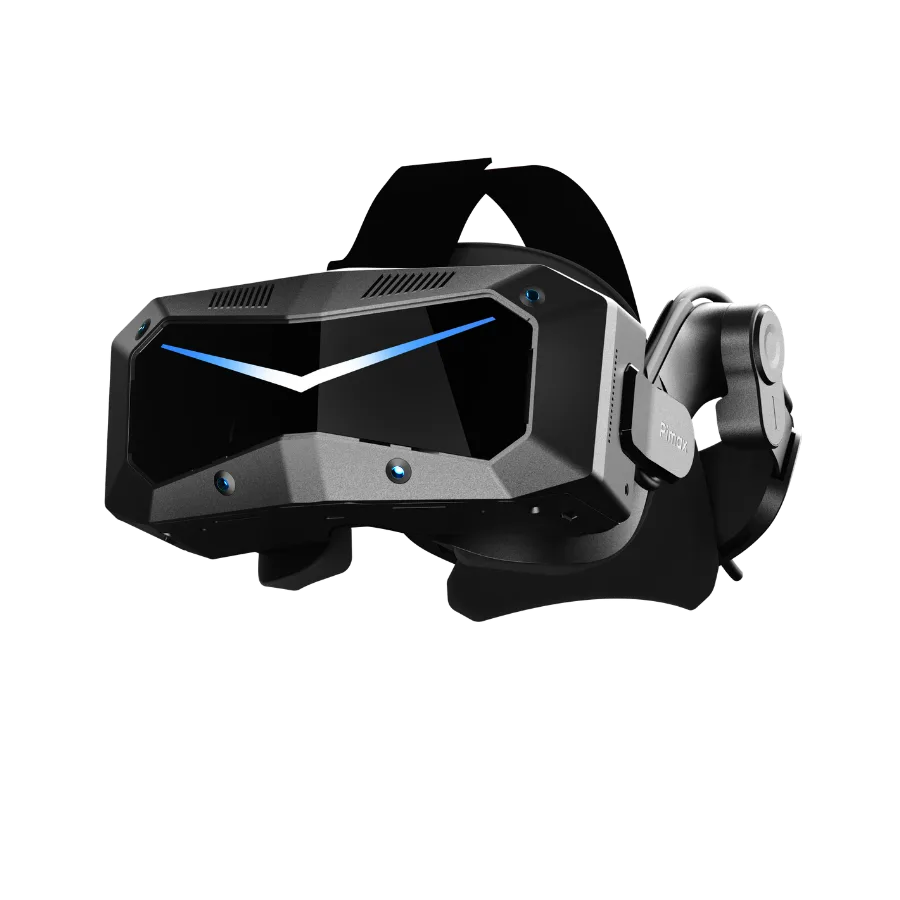
Pimax Crystal Super
Flagship PCVR for professional applications requiring maximum visual detail.
Learn MoreChoosing the Right XR Configuration for Enterprise Projects
Choosing a VR headset for enterprise use is fundamentally a system-level decision.
The headset needs to work together with the enterprise’s content, software, users, physical environment, professional peripherals, and deployment model.
Different projects have different priorities. Some place greater emphasis on visual detail, while others need to balance immersive experience with overall deployment requirements. For teams looking for a high-end PCVR visual experience in a lightweight form factor, Dream Air provides a new option.
Dream Air combines Micro-OLED display technology, high-end PCVR capabilities, a comfortable form factor, flexible deployment, and information security safeguards. It is suitable for enterprise training, mobile demonstrations, high-end immersive experiences, visualization, and other applications where the device needs to integrate naturally into professional workflows.
The final configuration should still be determined by the actual project requirements, including application content, session duration, visual requirements, deployment scale, software environment, and operating conditions.
Planning an Enterprise XR Project?
Contact Pimax XR experts through Contact Sales or directly at inquiry@pimax.com to tell us about your application and technical requirements.
We will help you evaluate the Pimax headset and XR configuration that best fits your project workflow. Depending on project scale, Pimax Business can also provide volume purchasing discounts, hardware and software customization, and integration services to support different enterprise requirements for deployment, functionality, and system compatibility.