VR headsets for professional flight simulation need clear, stable visuals. Flight simulation has long been an important use case for high-resolution PC VR. Reading complex cockpit instruments, observing distant airport environments, and shifting between interior and exterior views all call for clear, stable visuals.
As VR hardware and simulation software evolve, high-resolution VR offers more options for professional flight simulation. For simulator manufacturers, training organizations, and aviation research teams, choosing a visual system involves more than immersion: integration, deployment efficiency, and long-term operating costs also matter. Pimax’s experience in flight simulation provides a useful reference for evaluating high-resolution PC VR in professional projects.
Why High-Resolution VR Matters in Flight Simulation
Core Visual Requirements in Flight Simulation
Flight simulation demands considerable visual detail. Users must continually monitor instruments, read navigation information, and respond to changes outside the cockpit. Resolution, optical clarity, field of view, and image stability all affect the experience. In environments such as Microsoft Flight Simulator and DCS World, key requirements include:
Cockpit instrument readability: Navigation information, instrument markings, and control panels contain fine details. Headset resolution, pixels per degree (PPD), and optical performance all influence how clearly they can be read.
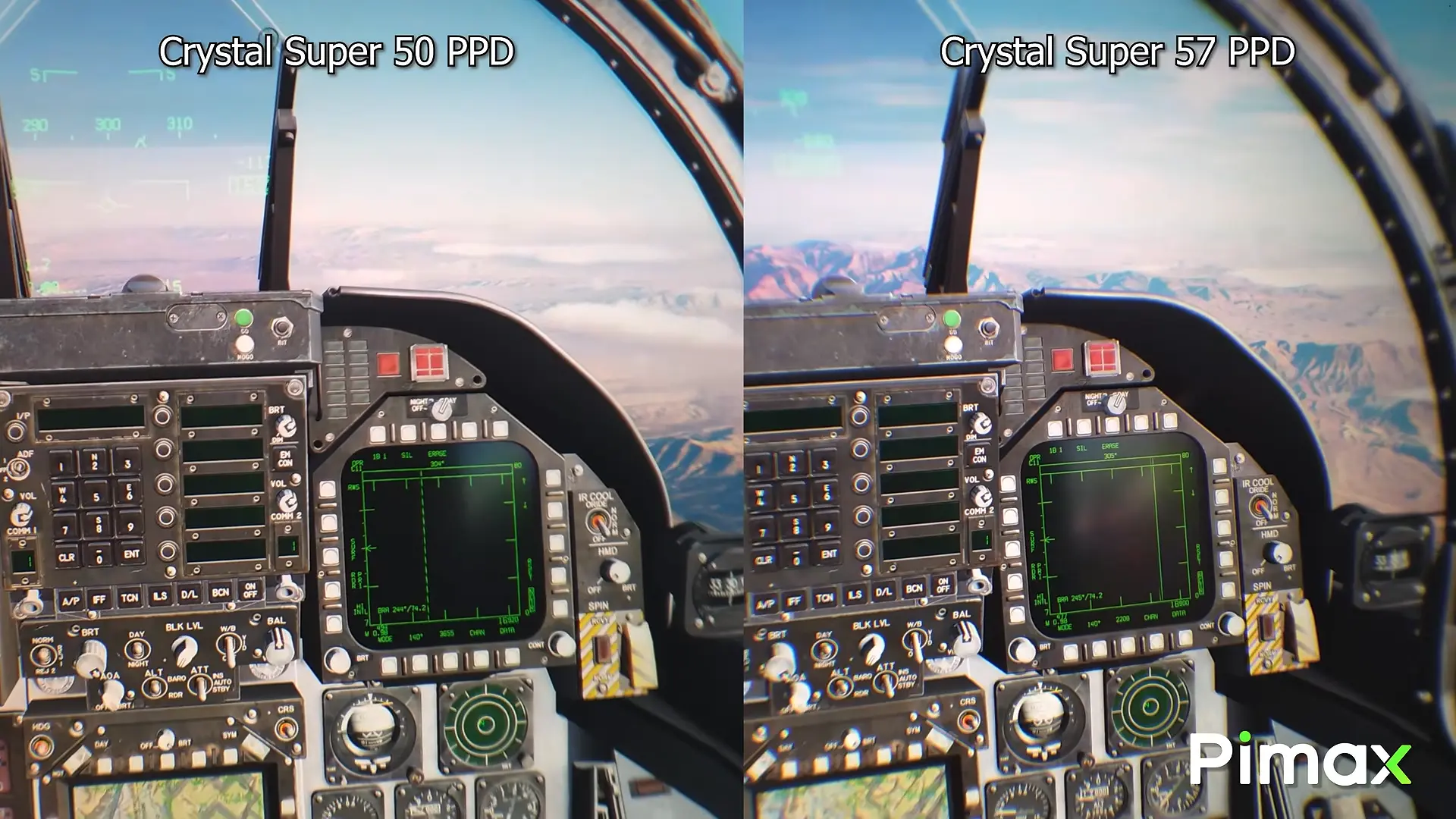
Long-distance visibility: During taxiing, takeoff, and landing, users need to see runways, airport markings, and distant terrain. This requires sufficient visual detail and appropriate rendering quality.
Field of view and spatial awareness: Pilots frequently look between the cockpit and the surrounding environment. Field of view and lens clarity affect how much is visible and how consistently clear the image remains at different viewing angles.
These requirements make flight simulation a useful environment for evaluating high-resolution VR visuals.
Insights from a Real-World Review
Flight simulation creator VR Flight Sim Guy has demonstrated the Pimax Crystal Super in DCS World and Microsoft Flight Simulator.
The review discusses cockpit instrument readability, the area of lens clarity, and visual performance at different viewing angles, and offers positive feedback on the Crystal Super’s clarity. For professional simulator developers, such hands-on impressions can inform initial hardware evaluation. Beyond resolution alone, developers should assess instrument legibility across viewing angles and image stability during head movement. Third-party reviews, however, cannot replace testing within a professional system. Each organization should validate performance with its own software, hardware, and simulation tasks.
Enterprise Applications of VR Flight Simulation
Flight Simulator Manufacturers and System Integrators
For simulator manufacturers, the visual system is an essential part of the overall solution. High-resolution PC VR headsets can provide an alternative to conventional displays and operate alongside flight controls, physical cockpit hardware, and simulation software. During development, teams should evaluate instrument readability, head tracking, software compatibility, and performance across PC configurations to determine whether VR suits the intended system.
Aviation Training and Education
VR can support selected activities such as supplementary instruction, cockpit familiarization, procedure demonstrations, and simulated practice. For example, students can explore cockpit layouts, instrument locations, and basic operating sequences in a virtual environment. VR offers an additional way to visualize certain training materials.
VR-assisted instruction is not equivalent to certified flight training. Whether a device may be used for regulated training depends on the applicable rules and certification requirements.
Aviation Research and Design Validation
Universities, research institutions, and aviation technology teams can use VR to study cockpit human–machine interaction, flight interface design, visual information presentation, and virtual prototypes. High-resolution displays can help researchers observe and assess virtual cockpit concepts, subject to validation for each research task and software environment.
Commercial Flight Experiences and Aviation Exhibitions
Commercial simulation centers, aviation exhibitions, science museums, and brand events can use VR to create immersive flight experiences. Beyond image quality, these projects must account for setup, visitor workflows, venue requirements, and routine maintenance. Portability and ease of deployment can be particularly relevant for trade shows and customer demonstrations.
How to Choose VR Headsets for Professional Flight Simulation
Choosing a headset for professional flight simulation requires evaluating the complete system against its intended tasks—not comparing resolution or field of view alone.
Visual Clarity and Optics
Cockpit instruments, text, and distant scenes place different demands on visual detail. In addition to per-eye resolution, important factors include PPD, field of view, and the area of lens clarity. Higher pixel density can improve the presentation of fine text and instrument details, while field of view affects coverage inside and outside the cockpit. The right balance depends on the simulation task.
Rendering Performance and Stability
High-resolution VR generally requires substantial GPU performance. Organizations should test actual frame rates, refresh rates, and stability using the target simulator and PC configuration. Where supported by the software and hardware combination, eye tracking and dynamic foveated rendering may help optimize rendering workloads; actual benefits depend on the configuration.
Software Compatibility and System Integration
Professional flight simulation typically combines simulator software, flight control peripherals, head tracking, and a computing platform. Teams should confirm that these components work together and assess installation, maintenance, and technical support needs for the intended operating environment.
The key selection criterion is not a single specification, but whether the complete system meets the target simulation requirements.
| Evaluation area | Key question |
|---|---|
| Resolution and PPD | Can the headset display the required instruments, text, and fine details? |
| Field of view and optical clarity | Does it support the intended cockpit and external viewing tasks? |
| Refresh rate and frame-rate stability | Can it maintain a smooth experience in the target scenario? |
| GPU requirements | Can the existing PC support the intended rendering settings? |
| Head tracking | Does it meet the viewpoint requirements during simulation? |
| Wearing comfort | Is it suitable for the expected session length? |
| Software and peripheral compatibility | Can it work with the existing simulation software and hardware? |
Visual clarity and performance stability must be tested in the actual software environment. The same headset can perform differently across simulators, PC configurations, and graphics settings. For simulator manufacturers, scenario-based testing is more informative than specifications alone.
Pimax Crystal Super vs. Dream Air: Choosing the Right Headset
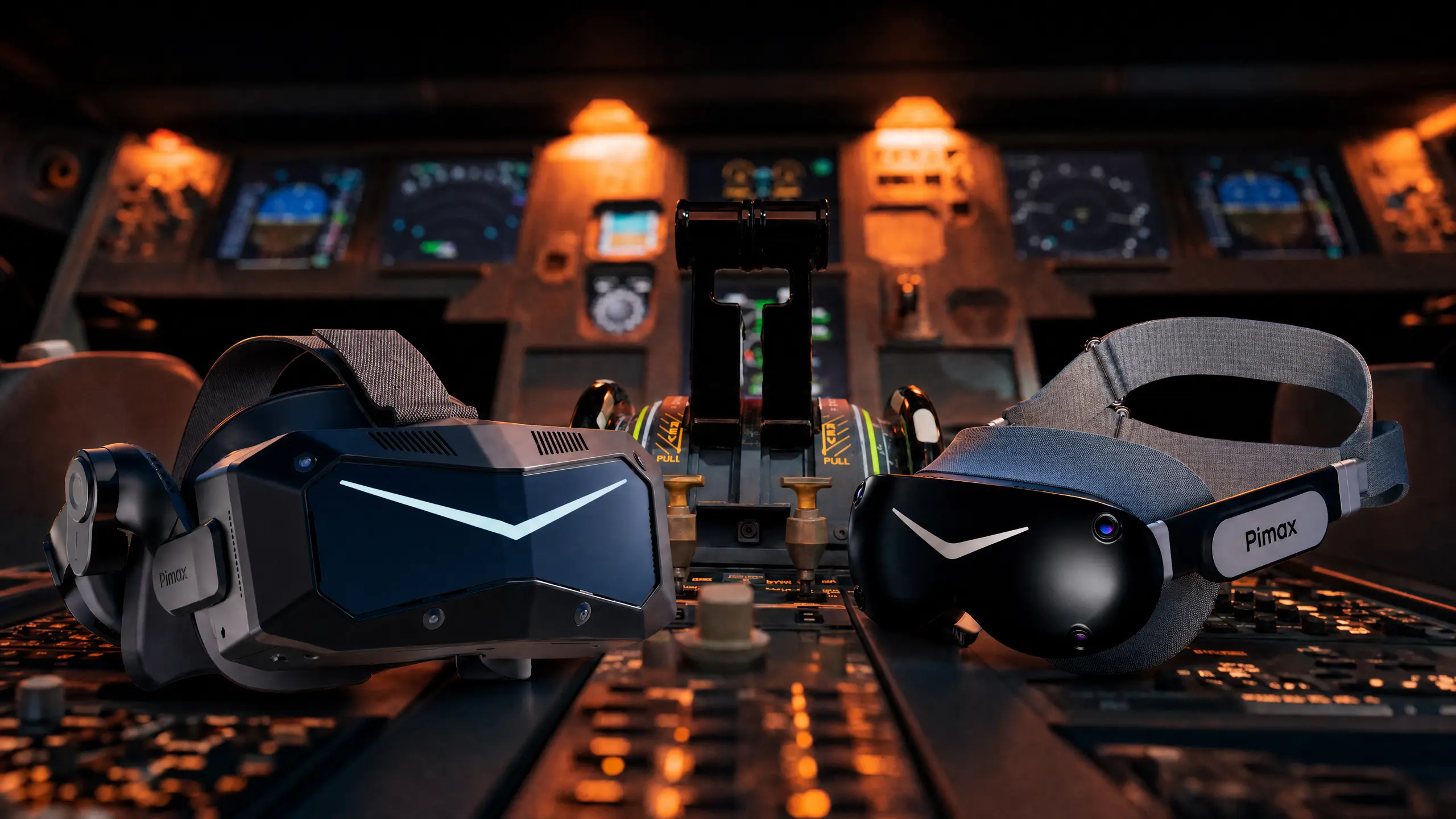
Flight simulation projects do not all require the same headset characteristics. Pimax Crystal Super prioritizes fine visual detail, while Dream Air emphasizes a lightweight design, giving professional teams different hardware options.
Crystal Super: High-Detail Visual Simulation
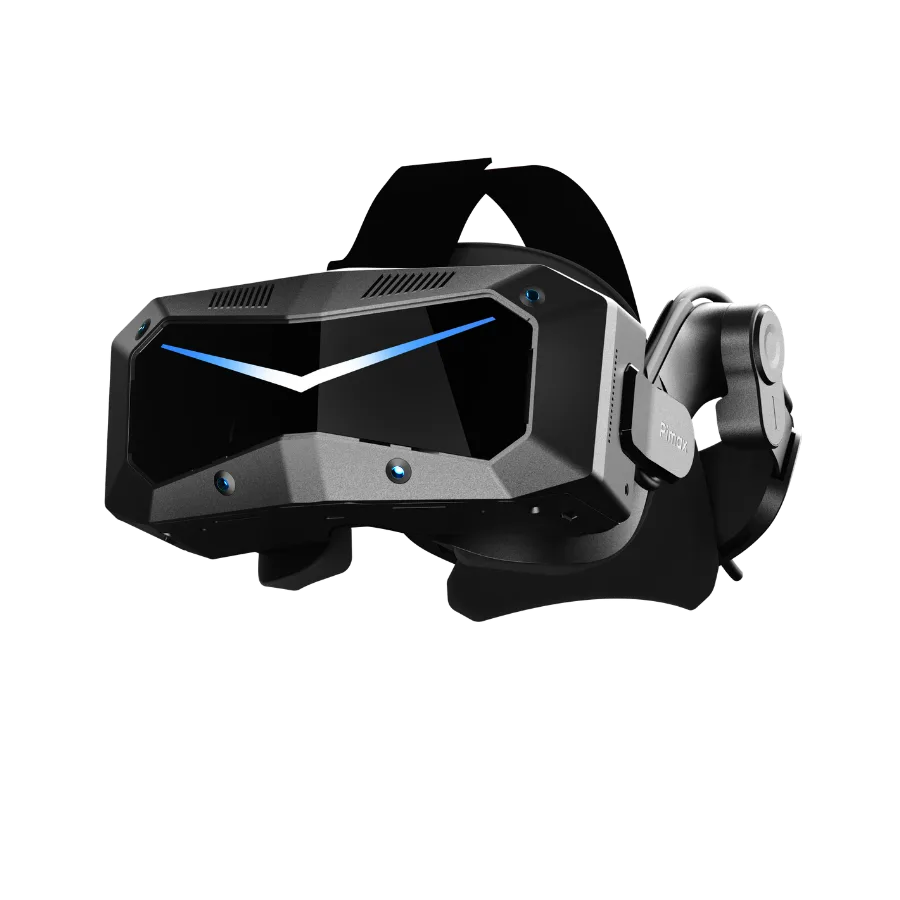
Crystal Super is Pimax’s flagship high-resolution PC VR headset. Its interchangeable optical system offers QLED and micro-OLED options within the same headset platform. It is a candidate visual device for professional simulation projects that need to assess complex cockpit instruments, text legibility, and distant environmental details.
| Model | PPD | Per-eye resolution | Horizontal FOV |
|---|---|---|---|
| Crystal Super 50PPD | 50 | 3840 × 3840 | Approx. 127° |
| Crystal Super 57PPD | 57 | 3840 × 3840 | Approx. 106° |
| Crystal Super Ultrawide | 50 | 3840 × 3840 | Approx. 140° |
| Crystal Super Micro-OLED | 53 | 3840 × 3552 | Approx. 116° |
Dream Air: Lightweight Design and Flexible Deployment
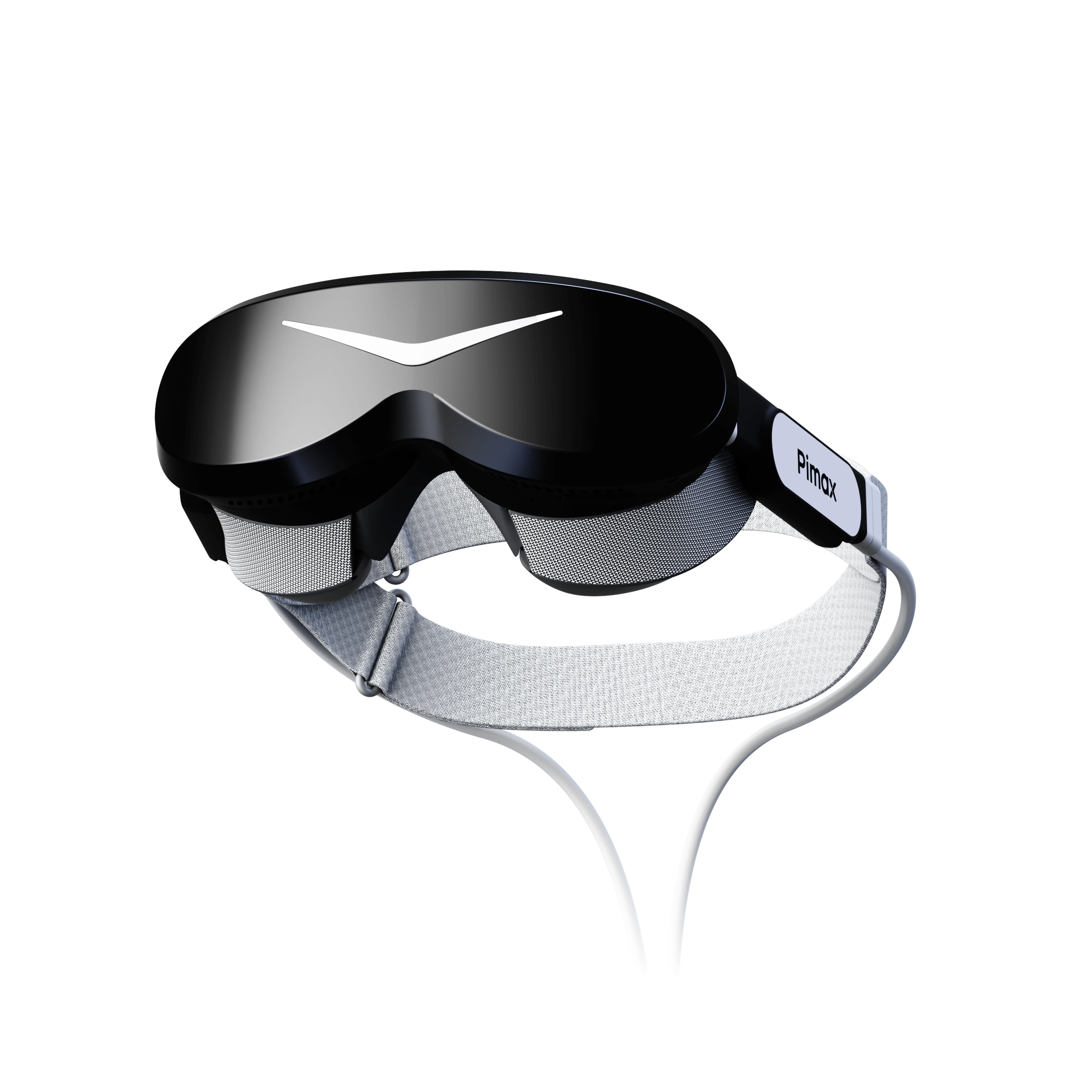
Dream Air is a lightweight, high-resolution PC VR headset featuring Sony micro-OLED panels and ConcaveView pancake lenses. It offers 3840 × 3552 resolution per eye, an approximately 110° horizontal field of view, a weight of around 170 grams, and SLAM or Lighthouse tracking. Its portability and flexible PC VR deployment can suit mobile demonstrations, changing installation locations, aviation exhibitions, customer presentations, educational and research showcases, and commercial flight experiences.
Which headset should a project consider? For applications prioritizing instrument readability and fine visual detail, evaluate Crystal Super first. For projects emphasizing portability, mobile demonstrations, and flexible installation, evaluate Dream Air first. Final decisions should be based on testing with the intended software, system configuration, and project requirements.
From Hardware Selection to Enterprise Deployment
For flight simulator manufacturers, system integrators, and training organizations, choosing a VR headset is only the first step. Before deployment, teams must verify compatibility with the existing system and assess ongoing operations and maintenance.
Compatibility and proof of concept (PoC). Confirm that the simulator software, PC, flight controls, and VR headset work together. Test instrument readability, runtime stability, and head tracking in representative simulation scenarios.
Deployment and maintenance. Assess installation, routine upkeep, technical support, and the management of multiple headsets according to project scale.
Procurement and project coordination. Align device quantities, delivery arrangements, and integration requirements with purchasing and technical stakeholders.
For multi-unit deployments, begin with a small-scale PoC, confirm feasibility, and expand based on the results.
High-Resolution PCVR for Professional Flight Simulation
Advances in high-resolution PC VR provide additional visual hardware options for professional flight simulation. Simulator manufacturers, training providers, and aviation researchers should evaluate visual performance, system compatibility, and deployment needs together. Crystal Super focuses on fine visual detail, while Dream Air emphasizes lightweight design and deployment flexibility. The appropriate choice depends on the simulation task, software environment, and integration requirements.
If you are developing a professional flight simulator, evaluating VR visual hardware, or planning a commercial flight experience, please contact the Pimax Business team at inquiry@pimax.com to discuss headset selection, bulk purchasing, and project customization.