A common misconception about using VR for engineering design reviews is that immersion should be the primary focus.
But a more practical question determines whether the review actually works: once the headset is on, can the team clearly see the details they need to evaluate?
If critical information is difficult to see, even the most realistic virtual environment has limited value. This article looks at what visual clarity means in engineering design reviews, which VR headset specifications matter, and what teams should consider when choosing a device.
Why Design Reviews Often Fail Outside the Model
In most engineering workflows, the problem is not the model itself. Designers working in CAD, BIM, or other engineering software can zoom, section, measure, and inspect the model in detail.
The challenge often begins when multiple people need to evaluate the design together. A team may gather around the same display, but not everyone sees the model from the same perspective. Scale, occlusion, depth, and spatial relationships all have to be interpreted through a two-dimensional screen and explained verbally.
As a result, discussions can shift from “Which design works better in real space?” to “Whose explanation is more convincing?” Some issues may not become apparent until a physical prototype is produced, when design changes can be more costly.
VR adds another way to review the design by placing participants inside or around the model at a scale closer to the real-world experience.
The decision to introduce VR should therefore depend on the task. If the review relies on spatial relationships, scale, or human perspective, VR can provide information that is difficult to experience on a conventional display. If the task is primarily precise measurement or parameter editing, existing engineering software is usually more efficient.
VR is a complement to existing engineering tools, not a replacement.
| Review Task | More Suitable Approach |
|---|---|
| Precise dimensional measurement | CAD / BIM / engineering software |
| Parameter editing and modeling | CAD / BIM / engineering software |
| Engineering calculation and simulation analysis | Existing specialist software |
| Complex spatial relationship assessment | VR can provide additional value |
| 1:1 scale experience | VR |
| Reachability and ergonomics checks | VR can provide additional value |
| Whole-view inspection of large models | VR |
| Detailed structural inspection | Depends on VR visual clarity |
| Multi-person discussion around a model | VR / collaborative 3D workflow |
What Do Teams Actually Need to See During a Design Review?
“Clarity” is not a single, abstract quality. In engineering design reviews, it can be broken down into several types of information, each placing different demands on the XR headset and the wider collaboration system.
Real-World Scale
On a monitor, whether the model represents a car, a production line, or a piece of equipment, it is ultimately scaled to fit the screen.
Knowing an object’s dimensions and viewing it at close to 1:1 scale are two different ways of understanding a design.
When a model is presented at or near real-world scale, teams can more intuitively evaluate whether there is enough space between components, whether an operator can comfortably reach a control, and whether access and maintenance areas are practical.
These are often exactly the questions a design review needs to answer.
Surface and Material Details
Appearance reviews, clearance checks, finishes, and material evaluations depend on how well surfaces, lighting relationships, and subtle visual differences are represented.
For these tasks, display contrast and dark-detail performance can affect how clearly surface variations can be evaluated.
Text, Labels, and Fine Geometry
This is easy to overlook, but it can have a major impact on the usefulness of a review.
Assembly clearances, small mechanical structures, connection points, threads, cable routing, welds, instrument panels, buttons, identification numbers, and warning labels may all contain information that needs to remain visible in VR.
In cockpits, control systems, and industrial equipment, whether small text and markings can be read may directly affect whether the review can be carried out effectively.
Collaboration and Shared Perspectives
Engineering reviews often involve multiple participants and, in some cases, teams working across different locations.
The system needs to support discussion around the same model, allowing participants to share viewpoints and refer to specific areas when identifying an issue.
This requirement extends beyond the display itself to the broader collaborative workflow.
Which VR Specifications Matter for Engineering Design Reviews?
The requirements for an engineering VR system ultimately depend on what the team needs to evaluate.
Rather than comparing a single specification in isolation, teams should determine whether the device can present critical design information clearly and integrate into the existing engineering workflow.
Visual Clarity
For reviews involving fine structures, text, instruments, or small components, visual clarity should be one of the first factors to validate.
Resolution provides a useful starting point, but it does not fully represent what users will actually see.
PPD (Pixels Per Degree) can provide additional context by describing pixel density within a degree of the user’s field of view. Optical performance and the rendering quality of the actual application also affect the final image.
For that reason, a more useful test than comparing specifications alone is to load a real engineering model and ask a practical question:
At the normal review distance, can users clearly distinguish the critical text, labels, and structures they need to evaluate?
Field of View
For vehicles, large equipment, or spatial layouts, field of view affects how much of the model and surrounding spatial context can be seen at once.
A wider field of view does not automatically make a headset better for engineering reviews. It should be evaluated together with visual clarity and the specific review task.
Sustained Use and Shared Devices
Wearability, thermal comfort, hygiene, and cleaning requirements can affect whether a headset is practical for regular engineering workflows, particularly when devices are used for extended reviews or shared between multiple participants.
Tracking and Physical Environment
Engineering reviews may require users to move around a model, change position, or inspect a design from viewpoints close to real-world scale.
The headset’s tracking method, space requirements, and deployment complexity should therefore match the intended environment, whether that is a dedicated review room, laboratory, or mobile demonstration setup.
Software and Workflow Compatibility
This is an important part of engineering VR selection that can easily be overshadowed by hardware specifications.
Teams should determine which visualization application will be used, whether CAD, BIM, or 3D models require conversion or optimization, which XR runtime is involved, whether the existing software environment is supported, and whether the workstation can reliably run real project models.
Engineering VR selection should therefore answer a more practical question than simply “Which headset has the highest specifications?”
Can this system clearly present the information we need to evaluate and support a real engineering design review from start to finish?
How VR Fits into Real-World Engineering Design Reviews
VR can also become part of a Virtual Prototyping workflow.
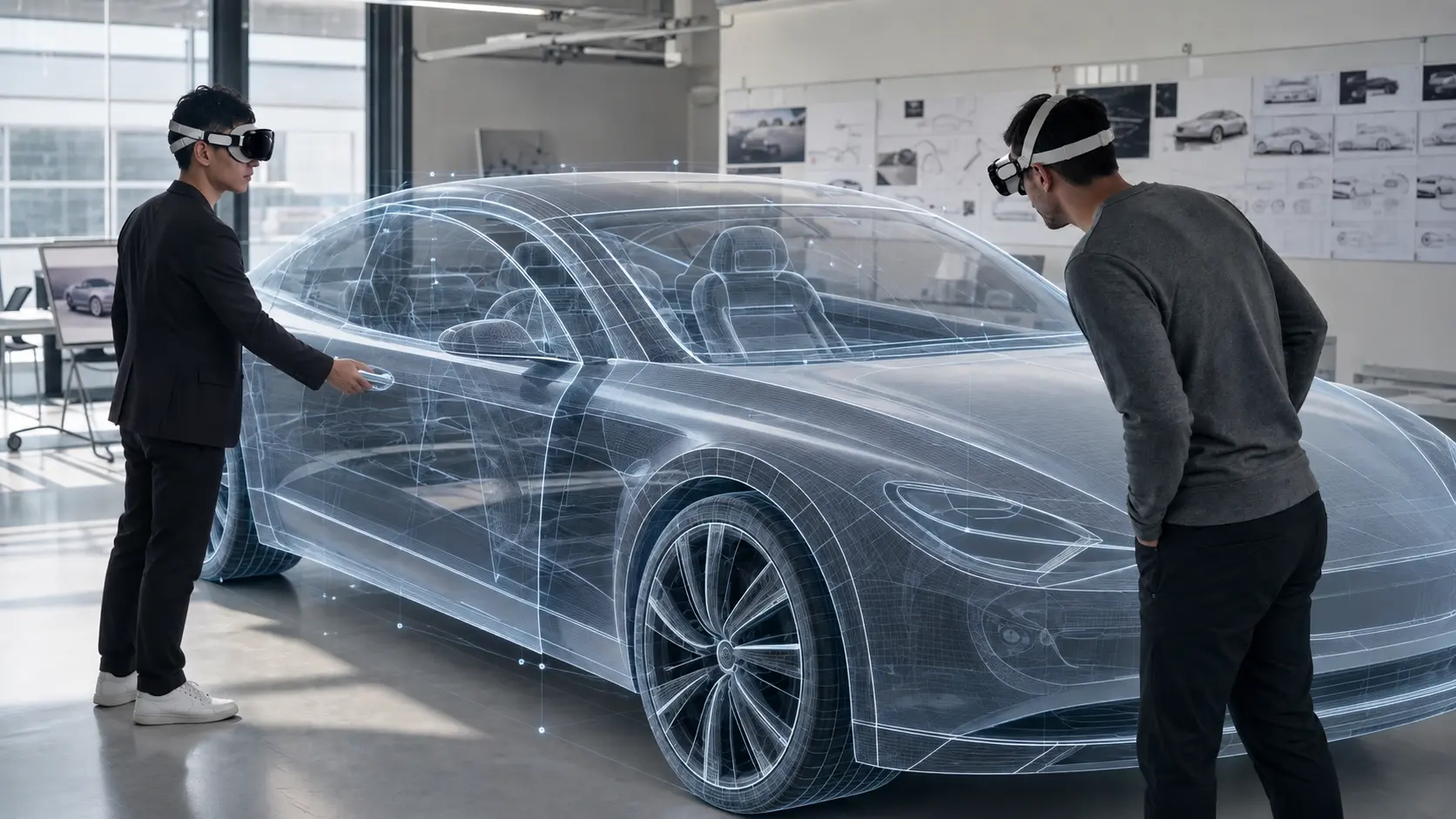
Engineering teams can bring CAD or 3D design data into an immersive environment and review product proportions, spatial relationships, reachability, and selected design details at close to real-world scale before a physical prototype is produced.
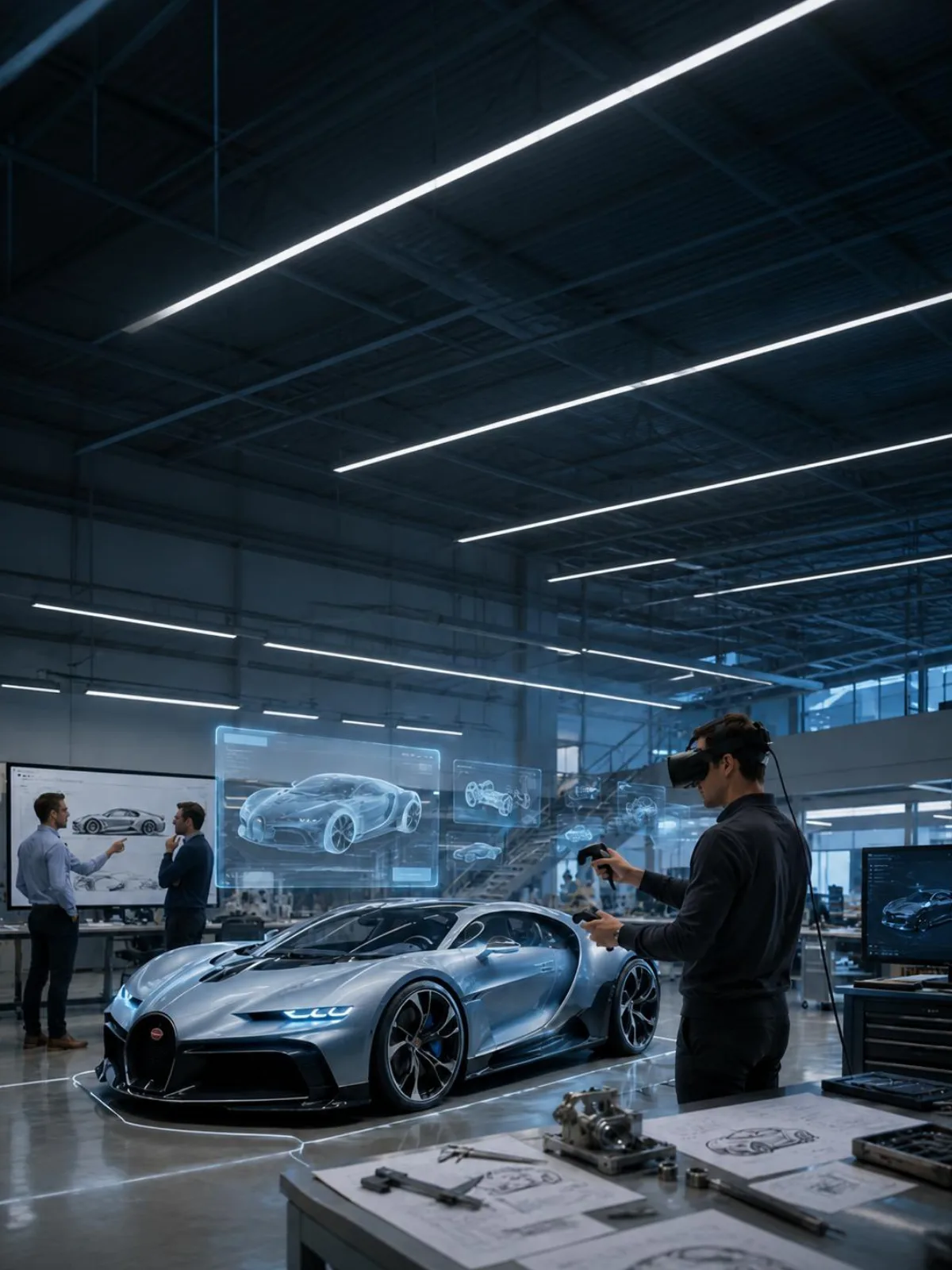
Consider an automotive design team. The team could bring an actual project vehicle model into VR, review its overall proportions at close to 1:1 scale, move into the driver’s position to evaluate visibility and interior space, and then inspect specific structures in more detail.
Issues identified during the review can be documented, returned to the existing engineering software for modification, and evaluated again during the next review cycle.
The process can be summarized as:
In this workflow, VR serves as a visual review layer between design iterations rather than replacing CAD or other engineering software.
From Virtual Prototyping to Real-World Testing
BMW Group’s mixed-reality vehicle testing extends this approach into a real vehicle environment. Testers sit inside a physical vehicle while wearing an XR headset. The vehicle and its driving dynamics remain real, while surrounding vehicles, pedestrians, and road scenarios are generated virtually. This allows selected test scenarios, such as emergency braking situations, to be evaluated while combining real vehicle behavior with a controlled virtual environment.
Bringing Existing 3D Models into VR
At the model-review level, Austrian XR company NEED Immersive Reality uses Meshloader XR with Pimax Crystal Super to bring 3D models into VR without having to build a separate Unity or Unreal project.
Teams can review model proportions, materials, and spatial relationships at close to real-world scale.
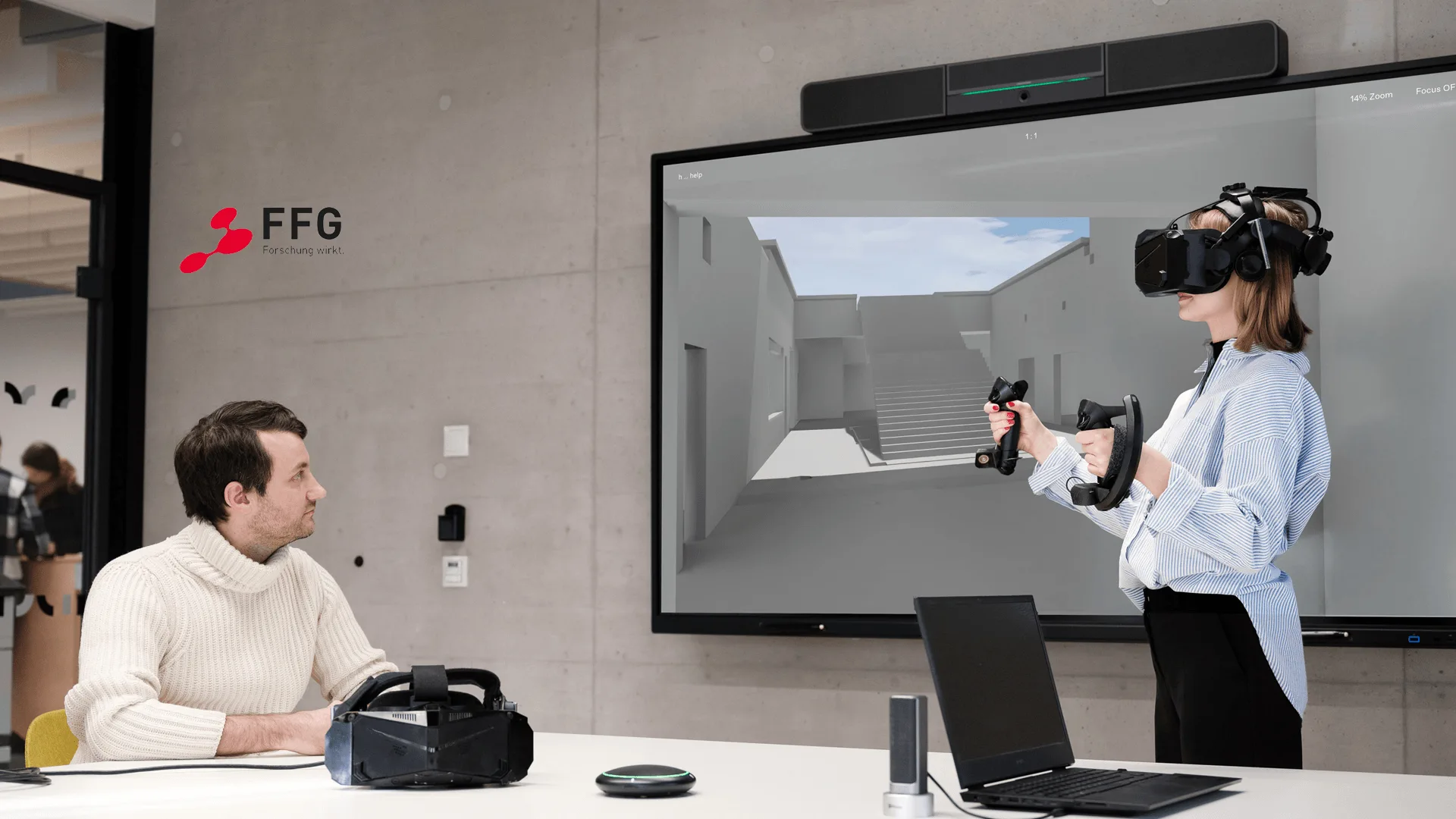
NEED Immersive Reality 3D Model Review
A 3D model review workflow helping users bring existing models instantly into VR for inspection, presentation, and iteration.
Read Case Study →In July, Pimax also joined NEED Immersive Reality and CAD-Forge for a roadshow event in Graz, where engineering, design, and training scenarios were demonstrated in practice.
Which Headset Fits Which Engineering Workflow?
Rather than asking “Which model is better?”, engineering teams should first determine which device best fits the way they intend to review and deploy VR.
Pimax Business’s professional PCVR products can be considered according to different use cases.
Crystal Super
When a review involves fine structures, instruments, text, or visually complex models, pixel density and optical performance become more important considerations. Crystal Super offers multiple optical configurations, allowing teams to select an option according to requirements such as pixel density, field of view, and display needs.
Crystal Light
For general engineering visualization, design review, training, and simulation, teams may need to balance visual quality with budget, deployment complexity, and the scale of the deployment. Crystal Light is suited to teams looking for a clear PCVR experience with a relatively straightforward deployment approach.
Dream Air
Dream Air keeps high-end PC VR visuals in a compact body — Sony micro-OLED panels, pancake lenses, and uncompressed DisplayPort output — with higher resolution and a wider field of view than its sibling, so fine text and structures stay readable across more of the design. It suits teams that need portability without giving up clarity during a review.
Dream Air SE
Dream Air SE is lighter, with a dual-fan cooling design, and balances clarity against cost — a better fit for engineering demonstrations, training, and deployments that need multiple units.
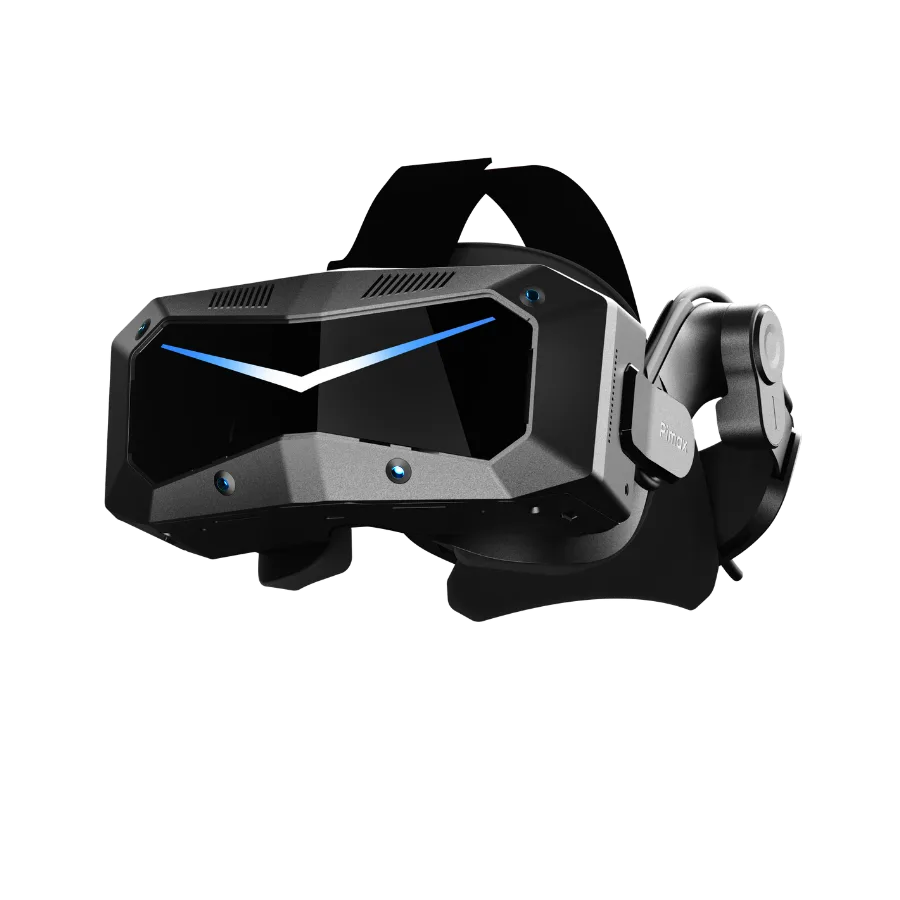
Crystal Super
High-detail engineering review for fine structures, instruments, text, and complex models.
View product →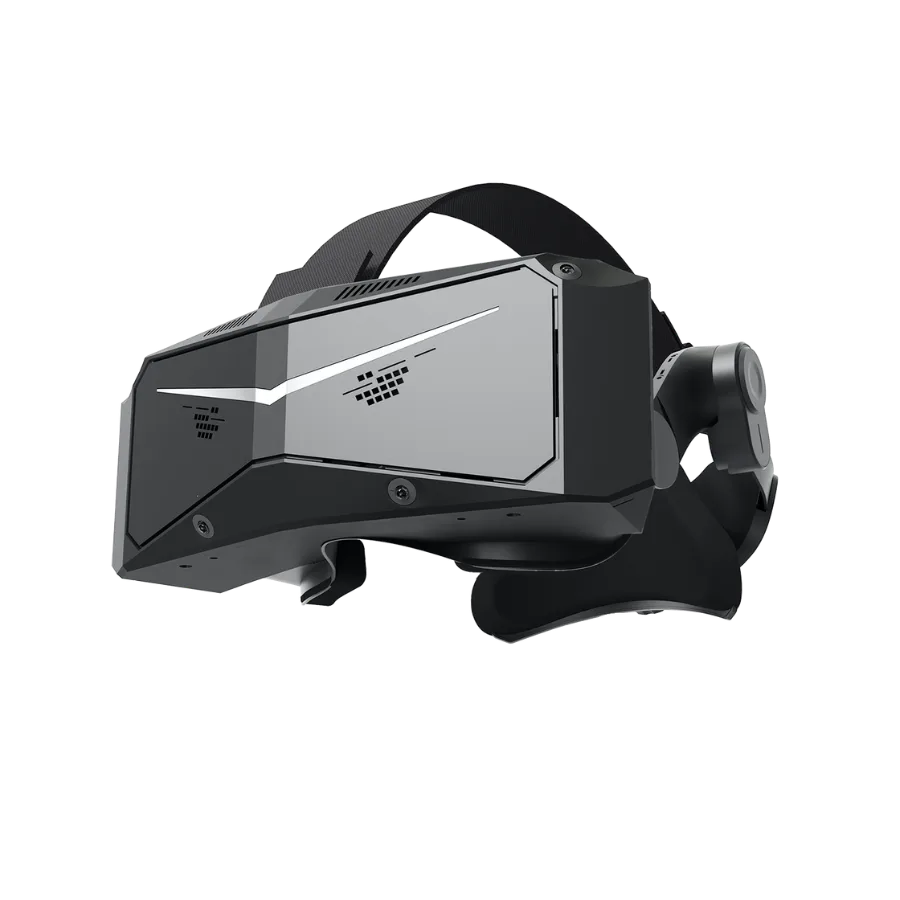
Crystal Light
Clear PCVR for engineering visualization, design review, training, and simulation.
View product →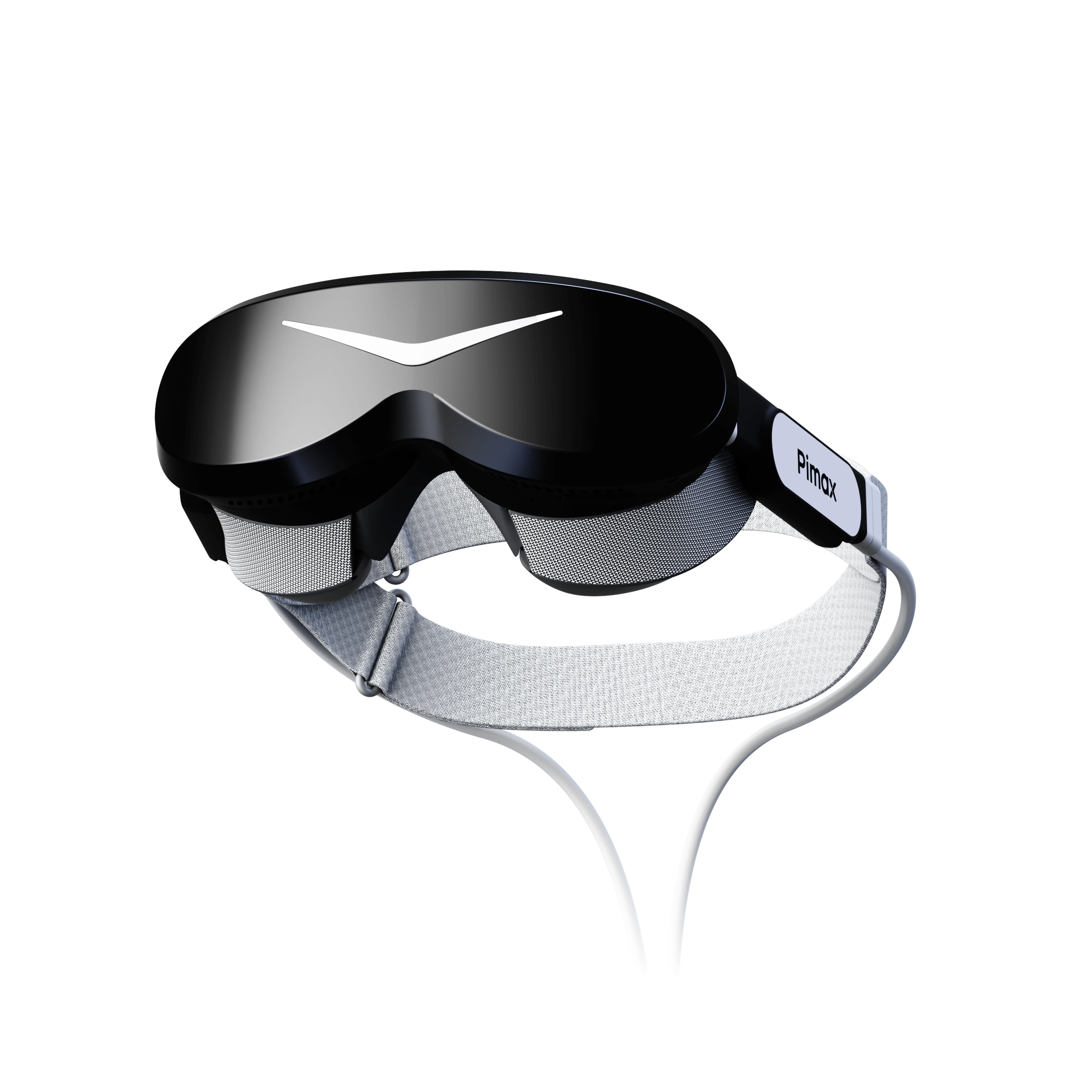
Dream Air
Compact high-end PC VR with micro-OLED displays and DisplayPort connectivity for portable engineering reviews where visual clarity still matters.
View product →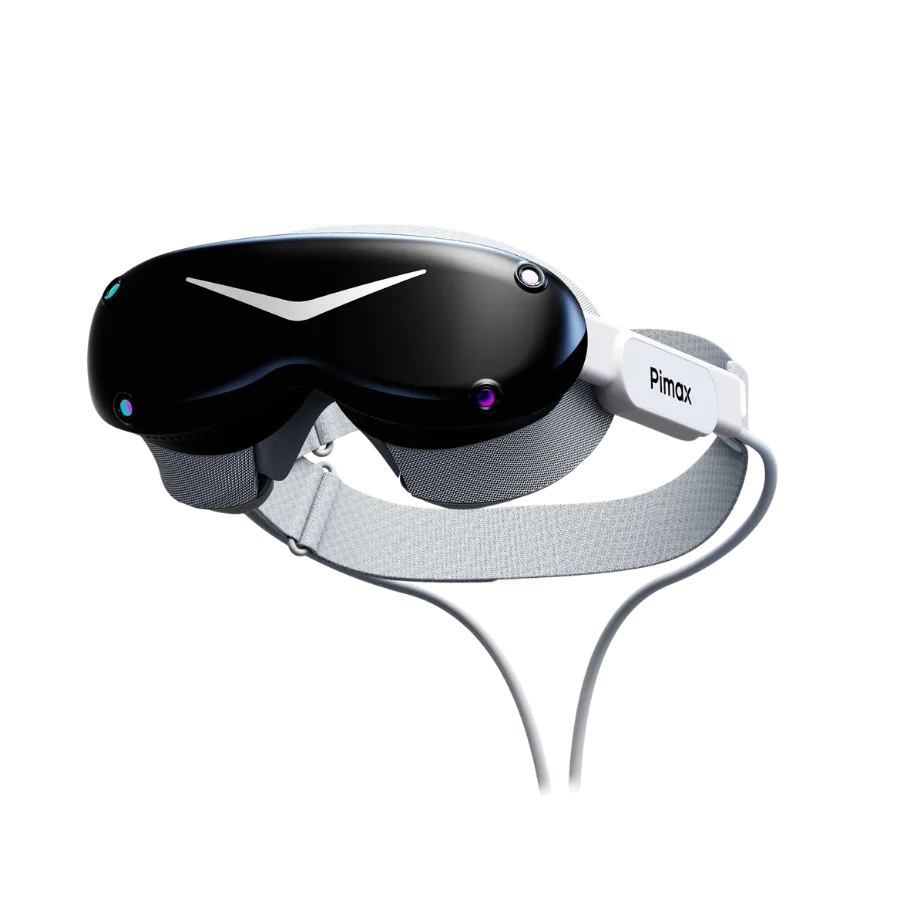
Dream Air SE
A lighter option that balances visual clarity and cost for engineering demonstrations, training, and multi-unit deployments.
View product →These products are designed for different ways of working. The final decision should be validated against the team’s own models and review workflow.
Explore the Pimax Business Product Book →How to Validate VR for Your Engineering Workflow
Before deployment, one of the most effective ways to evaluate VR is to run a real design review using the company’s own project models.
Step 1: Define the Problem VR Should Solve
Start by identifying which part of the existing engineering workflow VR is expected to support.
This might include spatial relationships, overall proportions, ergonomics, reachability, or inspection of detailed structures.
At the same time, define which tasks should remain in CAD, BIM, or other specialist engineering software. There is no need to move an already efficient process into VR simply for the sake of using VR.
Step 2: Test with a Real Project Model
Select candidate devices and bring the company’s own CAD, BIM, or 3D data into the intended visualization environment.
Do not rely only on supplier-prepared demo scenes. Test whether critical text, structures, and design information remain clearly visible in a real project.
This is also the stage to verify model conversion, workstation performance, XR runtime requirements, and the software pipeline.
Step 3: Run a Complete Design Review
Use the system as the team would in a real project: enter the model, inspect the design, identify issues, document them, and return the findings to the existing engineering workflow.
If issues identified in VR cannot be effectively recorded and incorporated into the next design iteration, the system may still function as a visualization tool, but it has not yet become a complete design-review workflow.
Before deployment, teams should be able to answer six questions:
- What specific review problem should VR solve?
- Which tasks should remain in CAD, BIM, or other engineering software?
- How will existing engineering data enter the VR environment, and does it require conversion or optimization?
- Can critical design information in a real project model be clearly evaluated?
- Can the existing workstation, software, and XR runtime reliably run the complete project?
- How will issues identified in VR be documented and returned to the next design iteration?
Ready to Bring VR into Your Engineering Design Workflow?
From design reviews and virtual prototyping to engineering visualization, different teams have different requirements for visual clarity, software environments, and deployment.
Pimax Business can help teams select the right VR hardware and solutions for their specific engineering use cases and validate the experience using real project models.
Engineering & Design XR Solutions
Transform engineering workflows with enterprise XR solutions for design review, CAD visualization and immersive collaboration. Review full-scale 3D models, identify design issues earlier and make faster decisions across engineering teams.
solutions.common.learnMore →